Commercial Disclosure Statement: Glide Ebike operates as both a content publisher and retailer of electric bicycles and cycling products. This content contains products sold through our store.
Financial Relationship: We earn revenue from purchases made on products contained within this article. However, products featured have passed our safety and quality evaluation (certifications, materials, design) before commercial consideration.
Editorial Standards: While we endeavor to provide accurate, helpful information drawn from genuine experience with e-bikes and maintenance practices, readers should independently verify information and compare multiple retailers before making purchase decisions.
Table of Contents
E-Bike Pedal Assist Not Working: Diagnosis and Fixes
E-Bike Pedal Assist Not Working: Diagnosis and Fixes
Key Takeaways
Bottom Line: Pedal assist failures typically stem from sensor misalignment, electrical connection issues, or controller settings—most fixable at home in under 30 minutes. Start with the basics (sensor position, connections, battery charge) before considering component replacement. Professional help is needed when controller or motor issues are suspected.
Nothing's more frustrating than pushing off on what should be an assisted ride, only to find yourself pedaling an unexpectedly heavy bike with zero motor support. I've been there—rolling out for a morning commute, confident in my e-bike's reliability, then realizing I'm getting a full leg workout without any electrical assistance.
Pedal assist issues are among the most common e-bike problems, but here's the good news: most are surprisingly simple to fix. After troubleshooting countless pedal assist systems, I've learned that roughly 80% of these failures come down to just three causes: sensor misalignment, loose connections, or incorrect controller settings.
In this guide, I'll walk you through a systematic diagnostic process that's saved me (and many riders) from unnecessary shop visits. Whether you're dealing with complete assist failure, intermittent power delivery, or inconsistent performance, you'll find the solution here.
For a complete preventive maintenance schedule that helps avoid these issues, check out our E-Bike Maintenance Checklist.
Understanding How Pedal Assist Systems Work
Before diving into troubleshooting, understanding your system's operation makes diagnosis infinitely easier. Most e-bikes use one of two sensor types, each with distinct failure patterns:
Cadence Sensors vs. Torque Sensors
Cadence sensors (the most common type) detect pedal rotation using magnets mounted on your crank arm. When these magnets pass by the sensor, they trigger motor assistance. These systems are simple, affordable, and provide consistent power output—but they're also prone to misalignment issues.
Torque sensors measure the actual force you're applying to the pedals and adjust motor output proportionally. Found on premium e-bikes, these systems feel more natural and intuitive but are more complex when troubleshooting fails.
Quick Identification: Not sure which system you have? Cadence sensors have visible magnet discs near the crank, while torque sensors are integrated into the bottom bracket and aren't externally visible. Check your e-bike's manual or product page for confirmation.
The 5-Minute Quick Diagnostic
Before you break out tools, run through this rapid checklist. Last month, I encountered what I thought was a major motor failure—turns out, I'd accidentally switched the assist level to zero during transport. Five seconds to fix.
Quick Diagnosis Flowchart
Is the display showing power/turning on?
NO: Check battery connection and charge level (see battery section)
YES: Proceed to next step
Is the assist level set above zero?
NO: Use display controls to increase assist level
YES: Proceed to next step
Does the display show any error codes?
YES: Reference your manual for specific code meaning
NO: Proceed to sensor inspection
Can you hear/feel the motor attempting to engage?
YES: Likely sensor alignment issue (see sensor section)
NO: Check electrical connections (see wiring section)
Result
Follow the specific repair section based on your findings. If assist works but throttle doesn't, see our throttle troubleshooting guide for additional diagnostics.
Complete Diagnostic Checklist
Use this comprehensive checklist to systematically identify the root cause. I keep a printed version of this in my repair kit—it's saved me from missing obvious issues countless times.
Pedal Assist Diagnostic Checklist
Power & Electrical System
Battery charge level above 20% (low voltage can disable assist)
Battery firmly seated and locked into mount
Battery connector pins clean and free of corrosion
Display powers on and shows battery level
No error codes displayed
Sensor Inspection (Cadence)
Sensor positioned 2-5mm from magnet disc (proper gap)
Magnet disc secure on crank arm (not loose or spinning)
Sensor bracket tight and not rotated out of position
All magnets present on disc (count them)
No debris or buildup between sensor and magnets
Wiring & Connections
Sensor cable not pinched, cut, or showing wear
All connector plugs fully seated (hear/feel click)
No moisture in connectors (check for green corrosion)
If you notice the assist works inconsistently based on which gear you're in, this may indicate derailleur misalignment affecting sensor clearance. Review our derailleur adjustment guide for proper setup procedures.
Step-by-Step Repair Guide
Follow these procedures in order—start with the simplest fixes first. I learned this lesson after replacing a controller, only to discover the real problem was a $3 sensor that had rotated 5mm out of position.
1
Check and Adjust Sensor Gap
Tools needed: Allen keys (usually 3mm or 4mm), ruler or gap gauge
The sensor-to-magnet gap is critical. Too wide and the sensor can't detect rotation; too close and the magnets may strike the sensor.
Locate the cadence sensor on your bottom bracket or chainstay
Identify the magnet disc on your crank arm
Measure gap: should be 2-5mm (about the thickness of 2-3 credit cards)
If adjustment needed: loosen sensor mounting bolt, reposition, retighten
Rotate cranks slowly by hand—magnets should pass sensor without contact
Test ride: assist should engage within 1-2 pedal rotations
Pro Tip: Mark the correct sensor position with a paint pen after adjustment. This gives you a reference point if it shifts again during riding.
2
Inspect and Clean Connections
Tools needed: Contact cleaner, small brush, dielectric grease
Moisture and corrosion are silent killers of e-bike electrical systems. I once spent two hours troubleshooting before discovering a single corroded pin.
Turn off power and remove battery
Locate all connectors: sensor-to-controller, controller-to-motor, controller-to-display
Disconnect each plug and inspect pins for corrosion (green/white buildup)
Clean contacts with electrical contact cleaner and soft brush
Dry thoroughly before reconnecting
Apply thin layer of dielectric grease to prevent future corrosion
Ensure connectors click firmly when reconnecting
Important: Never use WD-40 or regular lubricants on electrical connections—they can interfere with conductivity. Use proper electrical contact cleaner and dielectric grease. For comprehensive electrical troubleshooting techniques, see our electrical connection issues guide.
These insights come from countless repair sessions—the kind of knowledge that's hard to find in manuals but invaluable for troubleshooting.
🔧
The Wiggle Test
When checking connections, don't just look—physically wiggle each connector while watching for display changes. I've found intermittent faults this way that visual inspection missed. A connection that looks fine but fails under vibration is a common culprit.
🎯
Document Before Changing
Before adjusting anything in your controller settings, take photos of current values. I once locked myself out of a system by changing parameters I didn't understand. Having "before" pictures saved me hours of trial-and-error restoration.
🌧️
Weather-Related Patterns
If your assist fails only in wet weather or after washing, focus on connection weatherproofing. Even "waterproof" connectors can fail if seals are damaged. Apply dielectric grease liberally and consider upgrading to higher IP-rated connectors.
📱
Error Code Translation
Manufacturer error code lists are often incomplete or vague. Search online forums with your exact display model and error code—you'll find community-sourced meanings that are far more accurate than official documentation.
🔄
The Power Cycle Fix
Before replacing components, try a full system reset: turn off display, remove battery for 60 seconds, reinsert battery, power on. This clears temporary controller glitches that can mimic hardware failures. Works more often than you'd expect.
⚙️
Spare Sensor Insurance
Keep a spare cadence sensor in your toolkit ($15-25 investment). They're small, rarely fail but when they do it's catastrophic, and swapping one takes 10 minutes. Having a spare has saved several rides for me and fellow cyclists.
When to Seek Professional Help
Some issues genuinely require professional diagnosis and repair. Here's when to stop DIY troubleshooting:
Professional Help Needed If:
Controller failure: Display shows persistent error codes after resets and connection checks
Motor issues: Unusual noises, overheating, or complete motor failure (not just assist). See our motor noise diagnostic guide for details
Internal sensor damage: Torque sensors integrated into the frame/bottom bracket
Wiring inside frame: You suspect damaged cables routed internally that require frame access
Warranty concerns: Opening certain components may void coverage—check first
Safety-critical damage: Any cracks, structural damage, or concerning smells (burning electronics)
Repair costs vary widely: simple sensor replacement runs $30-60 (parts + labor), while controller replacement can reach $150-300. Always get a diagnostic quote before authorizing repairs.
Preventive Maintenance to Avoid Future Issues
Most pedal assist failures are preventable with regular attention. Here's my maintenance schedule that's kept systems running reliably for years:
Monthly Maintenance Tasks
Clean sensor and magnet disc with dry cloth (remove brake dust, road grime)
Check sensor gap—should remain 2-5mm (measure if it looks off)
Inspect all visible cables for wear, fraying, or damage
Test all connector plugs—should be firm, not loose
Wipe down battery contacts with dry cloth
Every 3-6 Months
Disconnect and clean all major connectors with electrical contact cleaner
Apply fresh dielectric grease to connector contacts
Check sensor mounting bolt tightness (can loosen over time)
Test battery voltage under load if you have equipment
Essential Tools and Replacement Parts
Having the right tools makes troubleshooting dramatically faster and more effective. Here are the products that have proven most useful in my e-bike maintenance work:
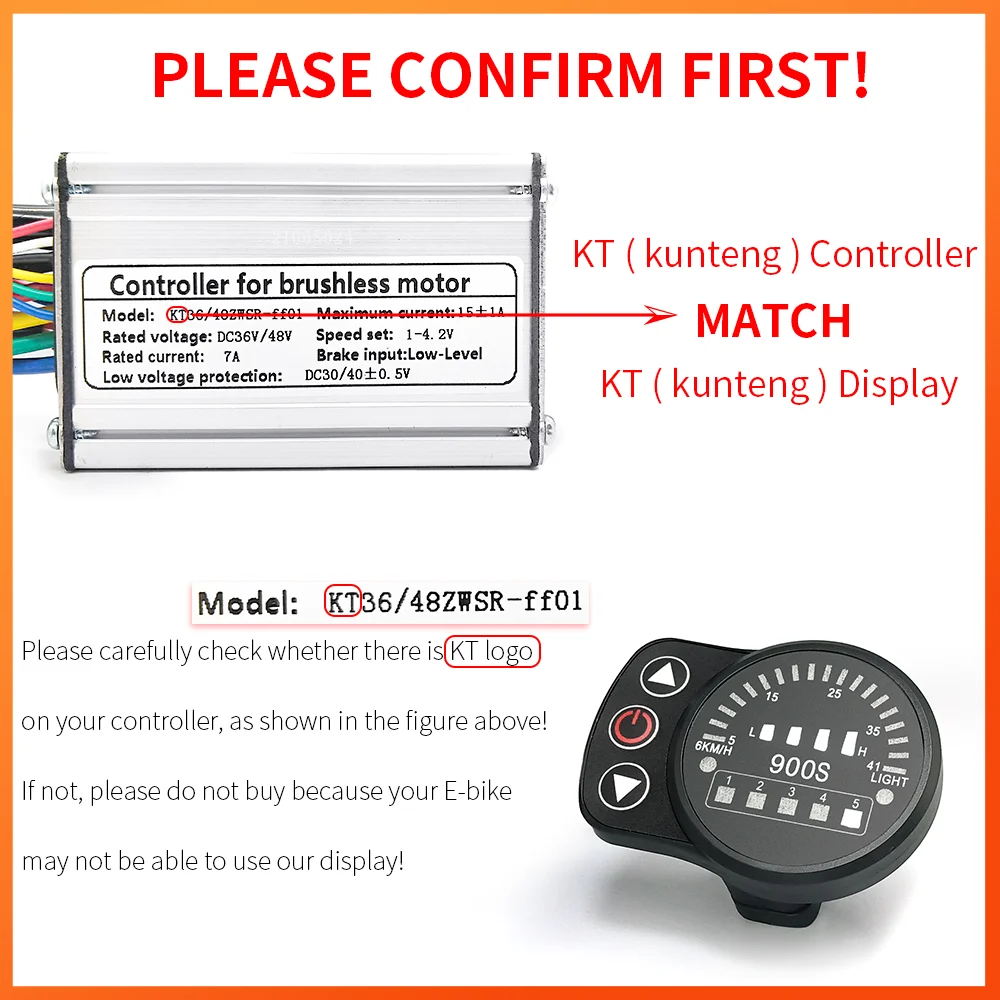
LCD E-Bike Display 600C/860C (UART 5-Pin)
Replacement display unit compatible with most cadence-sensor e-bike systems. Features clear readouts for speed, battery, and assist level with diagnostic error code display.
While not directly related to pedal assist, brake maintenance is essential for safe troubleshooting rides. Universal kit works with Shimano, SRAM, Tektro systems.
Comprehensive tool set covering most e-bike maintenance and repair needs. Includes hex keys, screwdrivers, chain tools, and spoke wrenches essential for sensor adjustment.
Strengths:
All essential tools in organized case
Quality steel construction
Portable for home or roadside repairs
Limitations:
Some specialized e-bike tools not included
Basic quality compared to professional-grade tools
Precision tool for fine-tuning derailleur adjustments. While focused on shifting, proper gear function ensures optimal cadence for pedal assist systems.
Professional bearing installation and removal tool set. Essential if you need to replace integrated torque sensors or perform bottom bracket maintenance.
Get your free printable diagnostic checklist with step-by-step troubleshooting procedures, common error codes reference, and maintenance schedule. Keep it in your toolkit for quick reference during repairs.
(PDF will be hosted on glideebike.com server - link placeholder)
Real-World Troubleshooting Story
Last summer, my partner's e-bike suddenly stopped providing assist mid-ride—display showed full battery, no error codes, but zero motor response. We were 8 miles from home with a heavy cargo load.
The diagnosis took 15 minutes of roadside troubleshooting: battery connections were fine, sensor gap looked correct, no visible damage. The breakthrough came when I wiggled the sensor cable near the controller—the display flickered. A closer look revealed the cable had been routed too tightly around the downtube, creating internal wire damage from repeated flexing.
The temporary fix? I carefully repositioned the cable to eliminate the sharp bend, wrapped the damaged section with electrical tape for stability, and we limped home on throttle-only mode. Permanent repair required a new sensor cable ($18) that took 20 minutes to install.
This taught me two lessons: always check cable routing during assembly or service, and stress points matter as much as connections. That sharp bend had been there for months, slowly fatiguing the wires until complete failure.
Final Thoughts
Pedal assist troubleshooting follows a logical progression: start with the simple, visible causes before investigating complex electrical issues. In my experience troubleshooting dozens of systems, the 80/20 rule holds true—80% of failures come from sensor alignment, loose connections, or simple settings, while only 20% require component replacement or professional repair.
The key is systematic diagnosis rather than random part swapping. Work through the diagnostic checklist methodically, document what you try, and you'll identify the problem far faster than trial-and-error approaches.
Remember: modern e-bike systems are remarkably reliable. When assist fails, it's almost always something mechanical or a loose connection rather than component failure. Most riders can resolve these issues at home with basic tools and patience.
This guide provides general information about electric bike maintenance and is not intended as a substitute for professional mechanical advice. E-bike systems vary significantly by manufacturer—always refer to your specific bike's manual before attempting repairs. Improper maintenance or repairs can void warranties, create safety hazards, or cause component damage. If you're uncomfortable with any procedure described here, consult a qualified e-bike technician. Always disconnect the battery before working on electrical components, and wear appropriate safety gear during all maintenance tasks.
Val is an e-bike specialist with over 10 years of experience riding, maintaining, and testing electric bicycles. At Glide Ebike, Val creates maintenance guides and content based on a decade of hands-on work with e-bike systems, having personally serviced and ridden dozens of different models.
With over 25,000 miles logged across various terrains and conditions, Val's recommendations come from real-world experience with what works—and what doesn't—in everyday e-bike ownership.